Feature Overview
Menus & Dialogs
Keep essential actions easy to open and easy to reach.
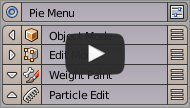
Group frequently used actions into a radial menu. Nested menus and embedded panels are also supported.
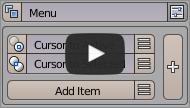
Create dropdown menus for hotkey access or integration into existing Blender menus.
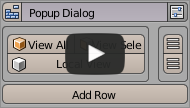
Build widget layouts that can appear in menus, dialogs, panels, or toolbars.
Create floating panels that stay open while you work. This beta mode shares the same slot structure as Pop-up Dialog.
Keys & Shortcuts
Get more range out of fewer keys.
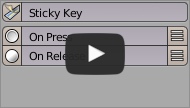
Assign different actions to key press and key release. Useful for temporary tools and mode switching.
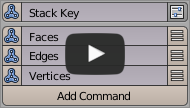
Assign multiple commands to one hotkey and cycle through them with repeated presses.
Operators & Automation
Turn repeated steps into actions you can reuse quickly.
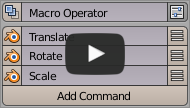
Combine existing Blender operators into a new action. Well suited for recurring workflows.
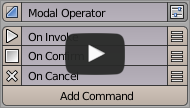
Create interactive operators that adjust values while they run in response to keys and mouse input.
Interface & Properties
Organize Blender’s UI and data into a shape that fits your work.
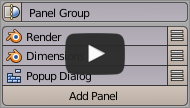
Insert your own menus into existing Blender menus and panels. You can also control placement and order.
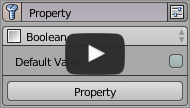
Define custom properties with Getter and Setter support, and register them on any Blender data block.
Reorganize side panel tabs and panel structure. Useful for custom categories and extending existing UI.
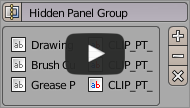
Hide unused panels and groups to keep your workspace clean and focused.